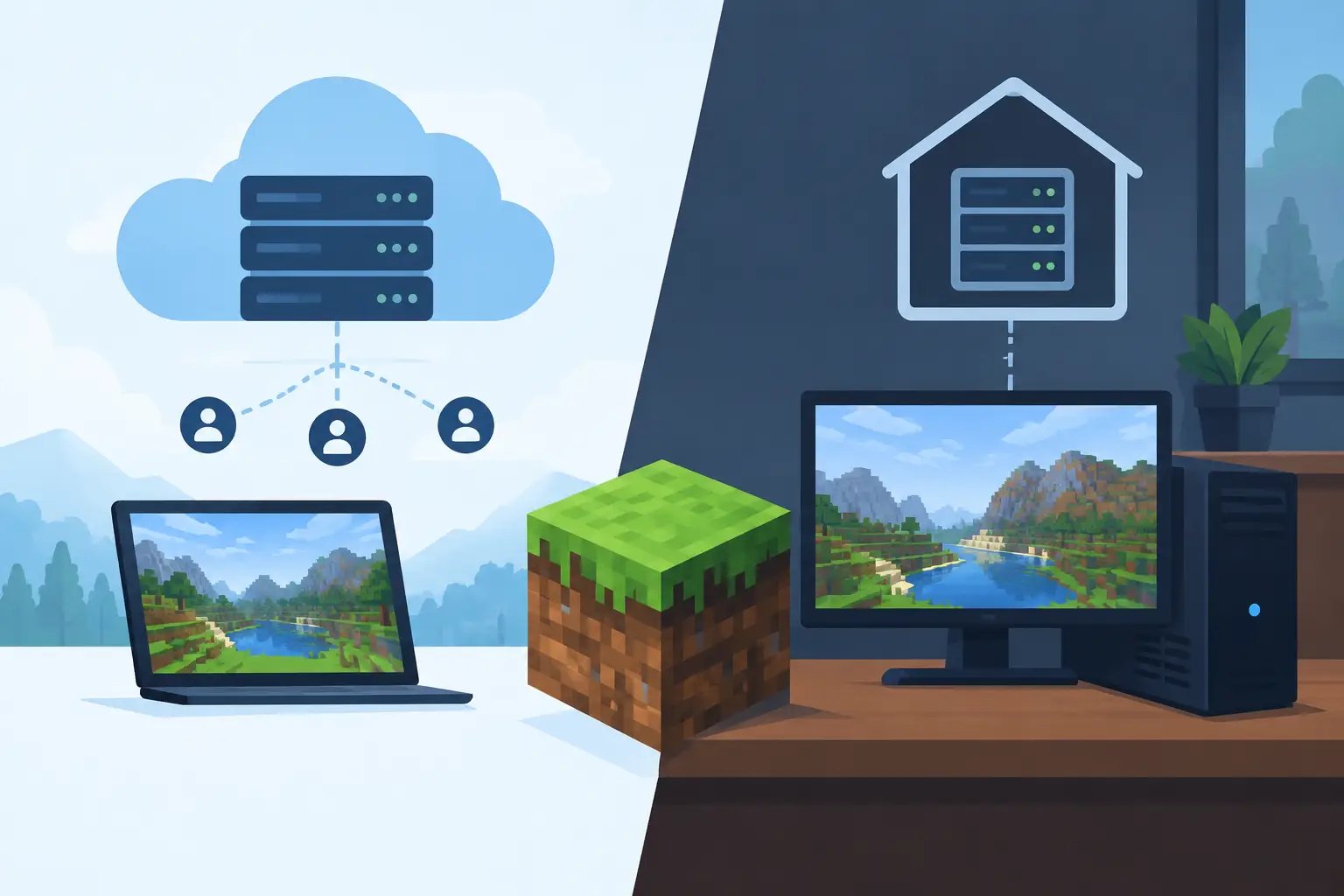
A Minecraft server feels simple right up until your friends expect it online at 2 AM, a modpack update breaks startup, or the world lags in the middle of a raid farm build. The managed vs self-hosted Minecraft decision is really a choice between spending money on a service and spending your own time on hardware, maintenance and troubleshooting.
Neither option is automatically better. A small Vanilla world on hardware you already own is very different from a 24/7 modded SMP with players in several time zones. The right answer depends on how many people play, what you run and how much server administration you actually want to do.
The real difference
With self-hosting, the server runs on your own PC, a spare machine, a home server or a VPS you configure yourself. You choose the Java version, install the server software, forward ports, manage files, schedule backups and diagnose problems when they happen. You have full control — and every responsibility that comes with it.
Managed hosting gives you a game-focused environment where the infrastructure is already taken care of. You still control the Minecraft side: version, world settings, plugins, mods, resource packs, whitelist, operators and config files. The provider handles the hardware, network, DDoS protection and platform maintenance.
The difference shows when something breaks. On a self-hosted server a crash can mean reading logs, restarting Java, checking the router and disk space, and hoping your last manual backup is recent. On a good managed plan most of that routine work is gone, so you can focus on the world and the players. We compare the provider side in more detail in managed vs unmanaged Minecraft hosting.
When self-hosting makes sense
Self-hosting is a reasonable choice if you enjoy the technical side of Minecraft. If you already have a capable PC or homelab, understand basic networking and don't mind digging through server files, it can be genuinely rewarding: you get full OS access and can build exactly the setup you want.
It is especially practical for a one-off local game night, a tiny Vanilla server or a test environment. If three friends only play while you are online, a server on your gaming PC may be enough. It also works well for developers testing a plugin or modpack before sharing it with a wider group.
The cost advantage deserves a closer look, though. Your computer has to stay on, uses electricity and needs enough CPU and memory left for your own game. Home upload speed and routing can limit remote players. You may need to expose your IP through port forwarding, keep up with security updates and deal with power cuts or a dead router yourself.
Minecraft doesn't need many CPU cores. It depends heavily on fast single-core performance, because most world ticking happens on the main server thread. A desktop with lots of cores can still struggle if per-core speed is weak or other applications compete for resources while players explore new terrain.
Where self-hosted servers start to struggle
The pressure rises once the server becomes persistent. Players want farms to keep running, builds to stay accessible and progress to survive while the owner is away. A server that is only up when one person is home changes how a community can play.
Modded Minecraft adds another layer. Forge, NeoForge and Fabric packs need more memory, take longer to start, require exact mod versions and careful updates on both client and server. One mismatched dependency can stop the server from launching, and large packs put real pressure on CPU, RAM and storage during world generation.
Public servers bring their own concerns: stronger uptime, predictable network performance, frequent backups and a plan for unwanted traffic. A home connection isn't built for game server availability, and a DDoS can knock out your whole household internet, not just Minecraft.
You can solve most of this with a dedicated machine, a business-grade connection, a UPS, offsite backups and time spent learning Linux or Windows server administration. That's a valid project — it just isn't the free option it first appeared to be.
Before deciding, add up electricity for a machine running 24/7, the hardware you would otherwise not need, a UPS and offsite backup storage — and the hours per month you spend on updates and fixes. Compare that total with a monthly plan, not just the plan price with zero.
What managed hosting does better
Managed Minecraft hosting is built for players who want a server that stays available without turning game night into an IT shift. The main benefit isn't the control panel itself — it's knowing that the machine, network, storage and protection are designed for exactly this job.
A good provider uses fast modern CPUs, NVMe storage, sensible resource allocation, DDoS protection and automatic backups. These details affect everyday play: strong single-core performance protects TPS when players are active, NVMe makes worlds load and save faster, and backups turn a bad update, griefing or a corrupted chunk into a recoverable problem instead of a lost world.
Managed hosting is also the easier route for modpacks and server software. You might want Paper or Purpur for a plugin SMP, Fabric for lightweight modding, Forge or NeoForge for a large modpack, or plain Vanilla. On a host with ready-made modpack hosting you pick a CurseForge pack and the server software in the order form and get a working server without manual setup — while gameplay decisions stay with you. Keep in mind that changing the core, version or modpack later is a clean reinstall, so back up the world first.
At Elysium this means Ryzen CPUs with high clock speeds, NVMe storage, always-on DDoS protection, a nightly automatic backup with optional paid manual backup slots, and support from people who know Minecraft. You can also pick a server location close to your players. You configure the server around your community; the platform handles the parts that shouldn't ruin your evening.
Performance is more than RAM
RAM is often treated as the only metric that matters, but it's just one piece. More memory helps a large modpack or a busy server, yet it won't fix low TPS caused by a slow main thread, an overloaded node, inefficient plugins or too much chunk generation.
For a private Vanilla SMP, a modest allocation on a fast CPU performs well. For a modded server, start with the pack's recommendation, leave headroom for players loading new chunks and watch behaviour at peak hours. If ticks fall behind, profile with spark before adding memory: oversized entity farms, large view distances, runaway redstone and poorly optimised mods all cause lag. Our guide on fixing low TPS walks through the usual suspects.
Managed hosting doesn't make an inefficient configuration disappear. It gives that configuration a more reliable foundation and frees you to focus on actual Minecraft tuning.
Cost and control at a glance
| Factor | Self-hosted | Managed hosting |
|---|---|---|
| Upfront cost | Low if you already own suitable hardware | Monthly subscription |
| Ongoing work | You handle updates, security, backups and outages | Provider handles infrastructure and platform |
| Control | Full OS-level access | Full control of Minecraft, within platform limits |
| Availability | Depends on home power, internet and your schedule | Built for 24/7 access |
| Network protection | Your responsibility | Usually included |
| Best fit | Hobby admins, testing, local groups | Persistent SMPs, modpacks, communities |
The monthly price of managed hosting buys time and predictability. That doesn't make self-hosting worthless: if running hardware is part of the hobby, full control may be worth the effort. If your goal is simply to play with friends, the time you save is usually worth more than the price difference.
How to choose
Start with the experience you want to provide. A server for two people playing casually on the same network has very different needs from a 20-player SMP with plugins, Discord announcements, scheduled events and a permanent map.
Self-host if you enjoy administration, have dependable hardware and upload bandwidth, can keep the machine online and are comfortable restoring backups. It's a great way to learn how Minecraft servers work and gives you maximum freedom to experiment.
Choose managed hosting if the server has to stay online while you're away, players are spread across regions, or you want modpacks and plugins without maintaining the whole stack. It's also the safer choice when the world has real history: months of builds, inventories and shared progress deserve regular backups and stable operation.
Before launching either setup, decide on the server software, Java version (Minecraft 26.x needs Java 25), player limit, view and simulation distance, mod or plugin list, backup schedule and update process. Test updates on a copy of the world when you can, and for modded servers keep a record of the exact pack version and configs so players can join with the same setup.
A Minecraft server should support the community, not become its recurring technical problem. Pick the option that leaves you more time for new projects, late-night mining trips and the moments your players will remember.
Elysium runs your server on Ryzen CPUs and NVMe with DDoS protection and a nightly backup included. The server core and modpack are chosen in the order form, and plans and prices are on the Minecraft page.