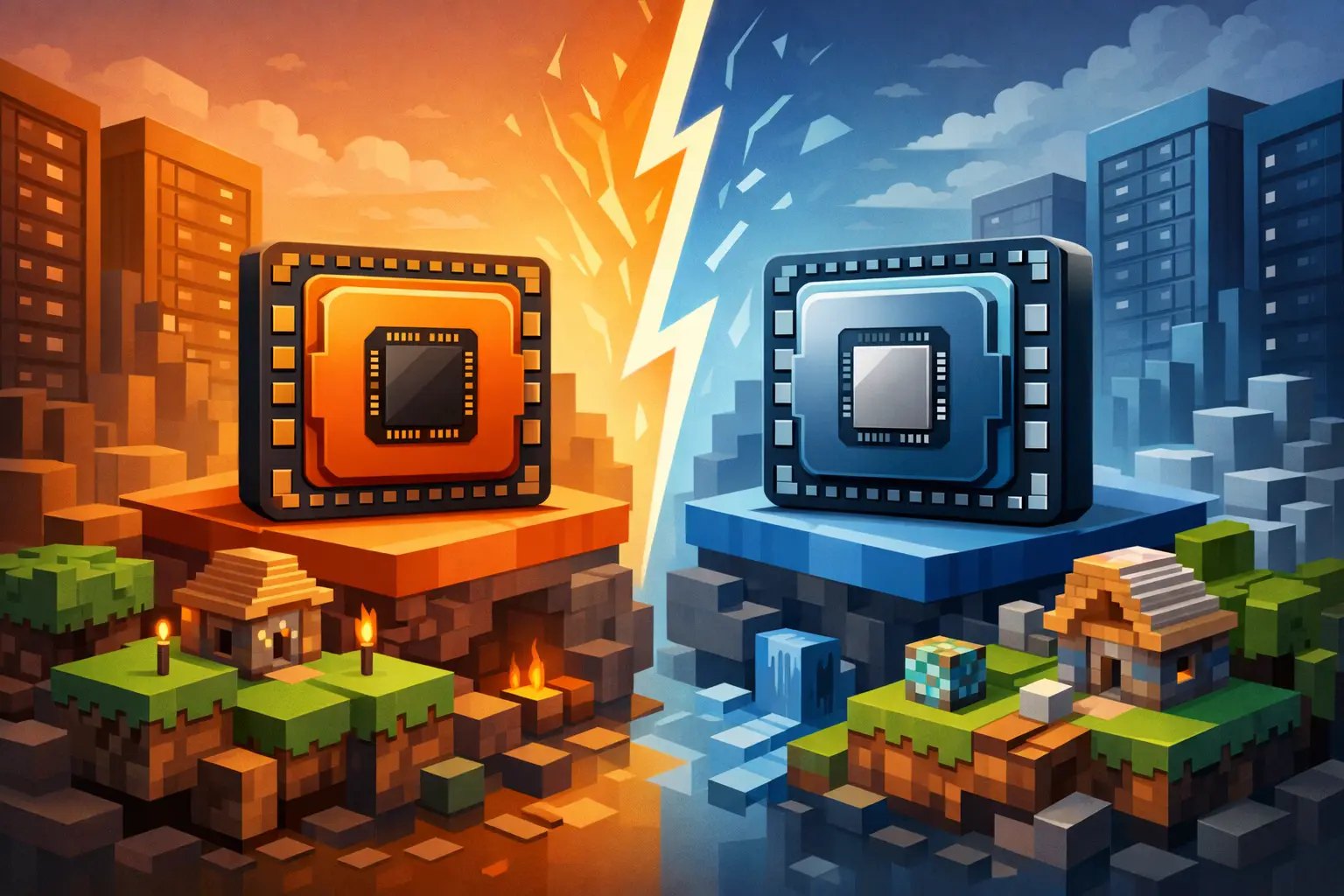
A Minecraft server can have 12 CPU cores and still stutter when 20 players enter the Nether at once. That is the real Ryzen vs Xeon Minecraft question: not which processor family has the bigger spec sheet, but which CPU keeps tick time low when your world is busy.
For most modern Minecraft servers, a recent Ryzen CPU is the safer performance choice. Its strong single-core speed helps protect TPS during chunk generation, redstone activity, mob farms, and plugin tasks. Xeon is not automatically bad, though. A newer high-frequency Xeon can run Minecraft well, while an older low-clock Xeon can become the reason your server feels slow even with plenty of RAM.
Why Minecraft cares more about fast cores
Minecraft Java Edition is heavily dependent on a main server thread. That thread handles a large share of the work that determines whether the server can maintain 20 TPS. More cores can help with the operating system, database work, web panels, proxies, backups, and some async tasks, but they do not magically split every tick across 16 or 32 cores.
This is why clock speed and per-core performance matter so much. When players explore new terrain, a survival base runs dozens of hoppers, or a modpack starts processing machines and entities, the main thread needs to finish its work before the next tick deadline. Miss that deadline repeatedly, and TPS drops. Players notice delayed block breaks, rubber-banding, slow mob movement, and commands that respond late.
Recent Ryzen processors typically offer excellent instructions-per-clock performance and high boost clocks. In practical Minecraft hosting, that often translates into more headroom before a busy world starts lagging.
Ryzen vs Xeon: the real comparison
The processor label alone is not enough. "Xeon" covers many generations, from older data-center chips with modest per-core speeds to newer server CPUs built for higher clocks and modern memory platforms. Ryzen also ranges from older desktop parts to very capable current-generation CPUs.
Still, there is a clear pattern when comparing the hardware commonly found in budget and mid-range hosting.
Ryzen usually wins for a single Minecraft instance
If you are running one Paper, Purpur, Vanilla, Forge, or Fabric server, prioritize a modern CPU with fast individual cores. Ryzen is often the better fit because it is designed around strong desktop-class responsiveness. That helps the workload Minecraft cares about most.
A Ryzen-based node can be especially effective for private SMPs, creator servers, plugin-heavy communities, and modded worlds where a few active players can generate significant load. It is also a strong choice when your player count is modest today but you want room to grow without rebuilding the server later.
That does not mean every Ryzen plan performs identically. Node overselling, CPU contention, poor JVM settings, slow storage, and an overloaded world can erase the advantage of good silicon. Ask what processor generation the host uses, how vCPU allocation works, and whether the platform is built for game servers rather than generic virtual machines.
Xeon can make sense in specific deployments
Xeon earns its reputation in enterprise environments for reasons beyond raw single-thread speed. Depending on the platform, it may provide large core counts, high memory capacity, ECC memory support, and features that suit virtualization or many simultaneous workloads.
That can be useful for a network with several separate services: a BungeeCord or Velocity proxy, multiple game modes, a database, a map-rendering process, Discord bots, and web services. A well-configured modern Xeon node can host those workloads reliably, especially when each Minecraft instance receives a fast core and sensible resource limits.
The catch is that many hosts still advertise "Xeon" without naming the generation. An old Xeon with lots of cores may look impressive next to a Ryzen 7 on paper, but Minecraft will often prefer the Ryzen. For a single server, 24 slow cores do not beat a few fast ones when the critical work is concentrated on one main thread.
What matters more than the CPU name
Choosing between Ryzen and Xeon is useful, but the rest of the stack decides whether players get a smooth experience. Four details deserve as much attention as the processor model.
First, storage affects world responsiveness. Fast NVMe storage reduces delays when the server reads region files, saves player data, creates backups, and loads chunks. Gen4 NVMe is particularly valuable for exploration-heavy SMPs and modpacks that create a large amount of world data.
Second, RAM must match the server type. A lightweight Paper server for friends might run comfortably with a modest allocation, while a large Forge pack can need far more memory before players even join. More RAM does not fix a CPU bottleneck, but too little RAM causes garbage collection pressure, crashes, and painfully inconsistent performance.
Third, node density matters. If too many customers are competing for CPU time on the same physical machine, even a fast processor can feel sluggish at peak hours. Dedicated or carefully managed CPU resources are more meaningful than a vague claim of "high-performance hardware."
Finally, configuration matters. Paper and Purpur settings, view distance, simulation distance, entity limits, pregeneration, JVM flags, and plugin choices all shape tick time. A server with 60 unnecessary plugins can lag worse than a lean server with fewer resources.
Ask the host for the CPU generation, not the family. "Xeon" with no numbers is a red flag — the word hides a current high-frequency chip and a decade-old part sold by core count equally well. An answer like "current-gen Ryzen 9, NVMe Gen4, this many instances per node" tells you more than the entire pricing page.
Match the hardware to your server type
For a small whitelist SMP, a recent Ryzen CPU and enough RAM for your expected player count is usually the practical answer. Keep view distance reasonable, pregenerate the area players will explore first, and you will have far more consistent TPS than a server running on an old multi-core Xeon.
For a public Paper or Purpur server, Ryzen remains a strong default. Plugins such as economy systems, claims, custom mobs, anti-cheat, and logging tools add work throughout the tick loop. Fast cores give you room for events, farms, and player activity without constantly reducing settings to stay playable.
For Forge or Fabric modpacks, start with Ryzen but be realistic about the pack. Heavily automated packs, large mod lists, and worlds full of machines can be demanding regardless of CPU family. Allocate sufficient RAM, use modern Java where supported, and monitor timings or spark profiles to find the actual source of lag. Sometimes one poorly behaving mod is the bottleneck, not the host processor.
For a multi-server network, either platform can work. If your setup includes many low-activity instances and supporting services, a modern Xeon with ample cores may be attractive. If one flagship survival server carries most of the players, prioritize the fastest available cores for that server and separate secondary services where possible.
How to avoid a bad hosting comparison
Before choosing a plan, do not stop at "Ryzen" or "Xeon." Get specific. A good host should be able to tell you the CPU family or generation, the storage type, the RAM allocation, and how resource contention is managed.
Also look for hosting features that reduce operational pain. Automatic backups protect the world when a plugin update goes wrong. DDoS protection keeps public servers reachable. A capable panel makes switching versions, uploading mods, and restoring files less stressful. Migration help matters if you are moving an established community and cannot risk losing worlds, player inventories, or configuration files.
At Elysium, the focus is on Ryzen and EPYC-based infrastructure paired with Gen4 NVMe storage because Minecraft servers benefit from fast cores and fast world access. The goal is not to make you benchmark hardware all night. It is to give your server the headroom to stay playable while you build, moderate, and run events.
The practical verdict
Choose a recent Ryzen-based plan when you are hosting a single Minecraft server and care about stable TPS, active exploration, plugins, or modded gameplay. It is the best default for the majority of SMPs, public survival servers, and community projects.
Choose Xeon only after checking the exact generation and clock behavior, or when your workload genuinely benefits from lots of cores, large memory capacity, or a broad collection of separate services. A modern high-frequency Xeon can be a solid option. An old Xeon marketed only by core count is a warning sign.
Your players will never ask what CPU badge sits on the node. They will remember whether the server held 20 TPS when everyone logged in for the weekend event. Build around that moment, keep an eye on tick time, and let the hardware handle the work while your community plays.
Elysium runs on high-frequency Ryzen and EPYC with NVMe Gen4 storage, DDoS protection, and automatic backups — no oversold nodes and no old chips sold by core count. Pick a plan on the order page, or read up on which CPU your server needs.