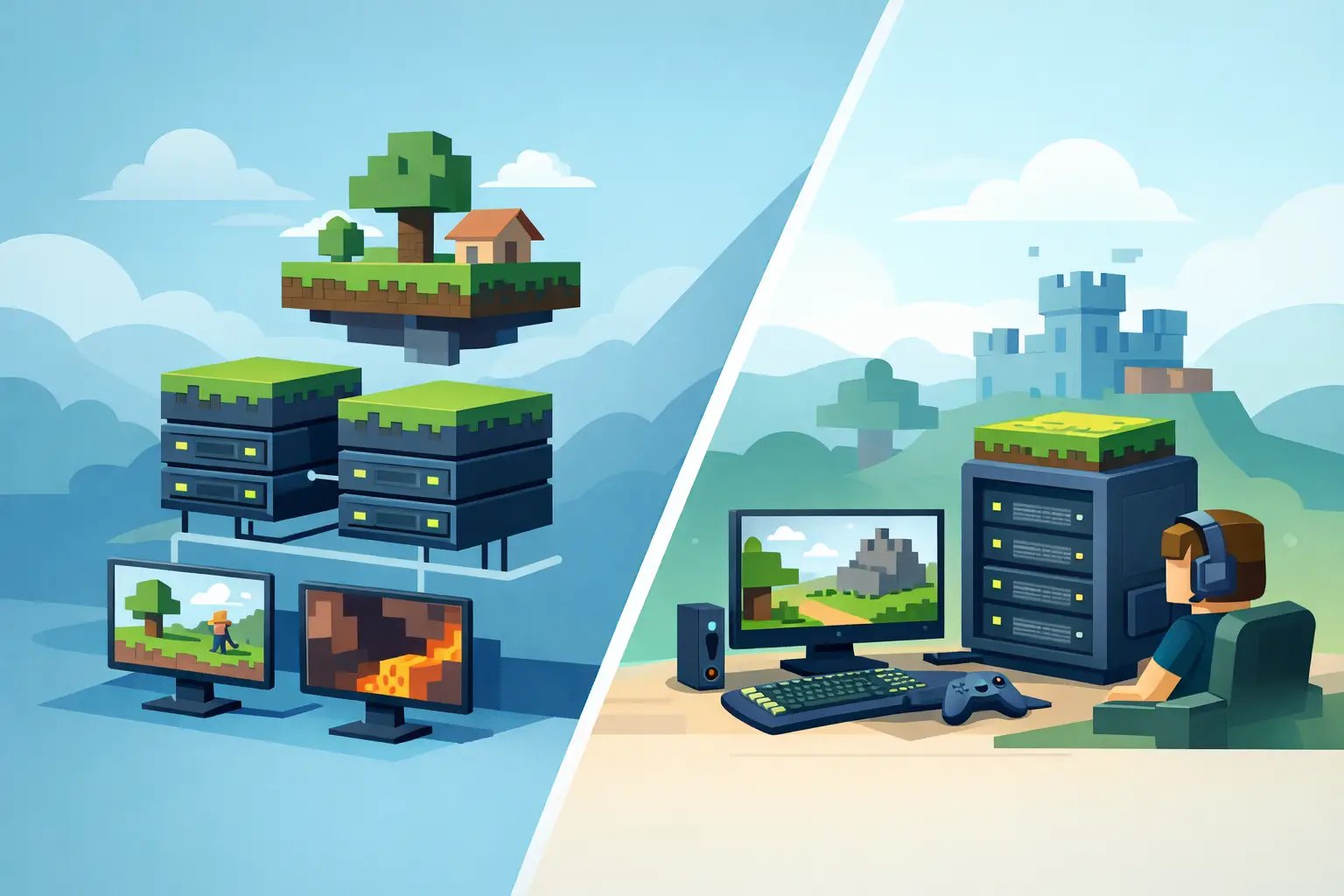
A Minecraft server can look fine at spawn and still fall apart the moment six players fly in different directions, a farm starts ticking, and someone loads a modded dimension. That is why shared vs dedicated Minecraft hosting is not just a pricing question. It determines how predictable your TPS, chunk generation, backups, and player experience will be when the world gets busy.
The right answer depends on the server you are actually building. A private Vanilla SMP with friends has very different needs from a 100-player Paper network or a Forge pack packed with machines, mobs, and world generation. Here is how to choose without paying for hardware you will never use or getting stuck with lag you cannot fix.
Shared vs dedicated Minecraft hosting: the real difference
Shared Minecraft hosting means your server runs on a physical machine alongside other Minecraft servers. You receive an allocated amount of RAM, storage, and usually CPU capacity, while the provider manages the node, network, and underlying hardware. You control your server through a panel, install a version or modpack, upload files, and play.
Dedicated hosting means you rent an entire physical server. Its CPU, memory, storage, and network capacity are yours alone. No neighboring game server can consume CPU time during its own peak hours, because there are no neighboring customers on that machine.
That sounds like dedicated always wins. On raw isolation, it does. But Minecraft is not a benchmark contest. A well-managed shared plan on fast Ryzen or EPYC hardware can deliver excellent TPS for a large number of real-world servers, especially when the host avoids overcrowded nodes and assigns resources responsibly. A cheap dedicated box with an older, low-clock CPU can perform worse for Minecraft than a quality shared plan.
The question is not simply whether a server is shared. Ask what CPU generation powers the node, how resources are allocated, how full nodes are kept, and whether the support team understands Minecraft performance instead of treating every game the same.
Why Minecraft cares more about CPU than most people expect
RAM is easy to market because it is simple to measure. It is also only one part of the performance picture. Extra RAM helps a modded server hold more data and gives Java breathing room, but it does not automatically repair low TPS.
Minecraft's main tick loop depends heavily on fast single-core CPU performance. When one core cannot keep up with entity AI, redstone, plugin tasks, chunk loading, or mod logic, tick time rises and TPS drops below 20. Players feel that as delayed block breaks, rubber-banding, slow hoppers, and mobs freezing in place.
Storage matters too. Fast NVMe Gen4 storage helps when the server reads and writes world files, creates backups, and generates new terrain. It will not replace CPU speed, but it prevents another common source of stutter when players explore aggressively.
Shared hosting is a smart choice when the provider uses modern high-frequency processors, maintains sensible node capacity, and offers protection against noisy neighbors. Dedicated hardware gives you more certainty, but not a free pass to ignore JVM flags, view distance, entity limits, or an overloaded modpack.
When shared hosting is the better move
For most new servers, shared hosting is the practical starting point. It is less expensive, faster to launch, and easier to manage because the host handles physical hardware failures, networking, DDoS mitigation, and much of the infrastructure work behind the scenes.
A shared plan is usually a strong fit for a private SMP, a small friend group, a Vanilla or lightly modded survival world, and a Paper or Purpur server running a reasonable plugin stack. It also works well for creators who want to test a community before committing to a larger monthly bill.
The best part is that good game hosting is not the same as generic shared web hosting. Purpose-built Minecraft nodes can include dedicated RAM allocations, high-performance CPU platforms, automated backups, a Pterodactyl panel, and one-click deployment for Paper, Purpur, Forge, Fabric, and Vanilla. You get the tools that matter without becoming the person responsible for replacing a failed drive at 2 a.m.
Shared hosting does have limits. If a provider packs too many servers onto a node, CPU contention can show up during peak periods. Your server may have enough RAM but still experience inconsistent tick performance. That is why the cheapest plan is rarely the best deal for an active community.
Whether shared or dedicated, ask: "what CPU powers this, and how full do you keep the node?" A quality shared plan on high-clock Ryzen with sensible capacity beats a cheap dedicated box with a slow, dense server chip for a single Minecraft world almost every time. Isolation only matters once your workload is genuinely heavy.
When dedicated Minecraft hosting makes sense
Dedicated hosting earns its price when your server has sustained, demanding workloads or when performance consistency is part of your project's reputation. Public networks, large modded communities, content creator servers, and projects with heavy custom development are the obvious examples.
Choose dedicated hardware when you need room for high concurrent player counts, several game modes, BungeeCord or Velocity proxy infrastructure, large databases, extensive analytics, or resource-heavy modpacks. It is also useful when your peak hours are non-negotiable. If a weekend event brings in hundreds of players, you do not want to wonder whether another customer on a shared node is generating a massive world at the same time.
Dedicated servers offer deeper control. You can choose the operating system, tune the Java runtime, manage firewalls, run separate services, and decide exactly how RAM and CPU threads are used. For experienced administrators, that flexibility is valuable.
It also creates more responsibility. Unless you buy a managed dedicated service, you may need to handle Linux administration, security updates, monitoring, backup jobs, Java installation, and troubleshooting at the operating-system level. A physical server can be powerful and still become a headache if nobody owns that work. If you want that raw control, our Minecraft VPS guide covers the managed-vs-raw trade-off.
Do not choose based on player count alone
Player count is useful, but it is not the whole story. Ten players spread through unexplored terrain with a demanding Forge pack can create more load than 40 players standing around a well-optimized Paper spawn.
Think about what those players do. Are they building redstone farms? Are plugins scanning chunks or logging every block? Are players using elytra to generate terrain at high speed? Does the modpack add complex machines, dimensions, and thousands of ticking blocks? Those details determine whether you need more RAM, faster CPU time, better storage, or eventually a dedicated machine.
A whitelist SMP can often stay on shared hosting for a long time. A public server with frequent joins, multiple worlds, voting plugins, shops, claims, maps, and anti-cheat may need stronger resources much sooner. Measure TPS during real peak activity instead of guessing from an empty server.
A practical upgrade path that avoids waste
Start with a shared plan sized for your current version, modpack, and expected activity. Leave headroom rather than allocating the bare minimum, especially for Forge or Fabric. Set sensible simulation and view distances, pregenerate worlds before launch events, and use profiling tools to identify the actual cause of lag.
If TPS stays healthy and players are happy, keep the simpler setup. There is no prize for renting a full dedicated machine that sits at 10 percent usage.
If you see repeatable CPU saturation, unstable tick times at peak hours, or a server architecture that needs several always-on services, move up. A good Minecraft-focused host should make migration straightforward, including your world, plugins, mods, configuration files, and backups. Elysium, for example, focuses its managed plans on modern Ryzen infrastructure, fast NVMe storage, backups, and support built around Minecraft workloads rather than generic hosting scripts.
Before moving, confirm what is causing the issue. More RAM will not solve a plugin consuming a full core. A dedicated server will not fix bad entity settings. Better hardware gives you headroom, but smart configuration keeps that headroom available for players.
What to check before you buy
Whether you choose shared or dedicated hosting, look past the headline specs. Ask about the processor model and single-core speed, not only the number of CPU cores. Confirm whether storage is NVMe, whether backups are automatic and easy to restore, and whether DDoS protection is included.
You should also check version and software support. A host should make it simple to deploy the exact server type you need, whether that is a clean Vanilla world, Paper with plugins, Purpur with performance tuning, Forge for a modpack, or Fabric for lightweight mods. The control panel should let you access files, logs, console commands, and scheduled tasks without turning basic administration into a support ticket.
Finally, test support before a crisis. Minecraft-specific support can recognize the difference between a crash report, an out-of-memory error, a corrupted region file, and a TPS problem caused by a plugin. That knowledge saves more time than a few extra gigabytes of RAM on paper.
The best hosting setup is the one that leaves you focused on your players, builds, and events instead of chasing lag spikes. Start with hardware that matches your real workload, watch your TPS as the community grows, and upgrade when the server gives you a clear reason to do it.
Elysium runs managed Minecraft plans on high-frequency Ryzen nodes with NVMe Gen4 storage, automatic backups and DDoS protection — so most communities never need a full dedicated box. Pick a plan on the order page, or read how to choose Minecraft hosting first.