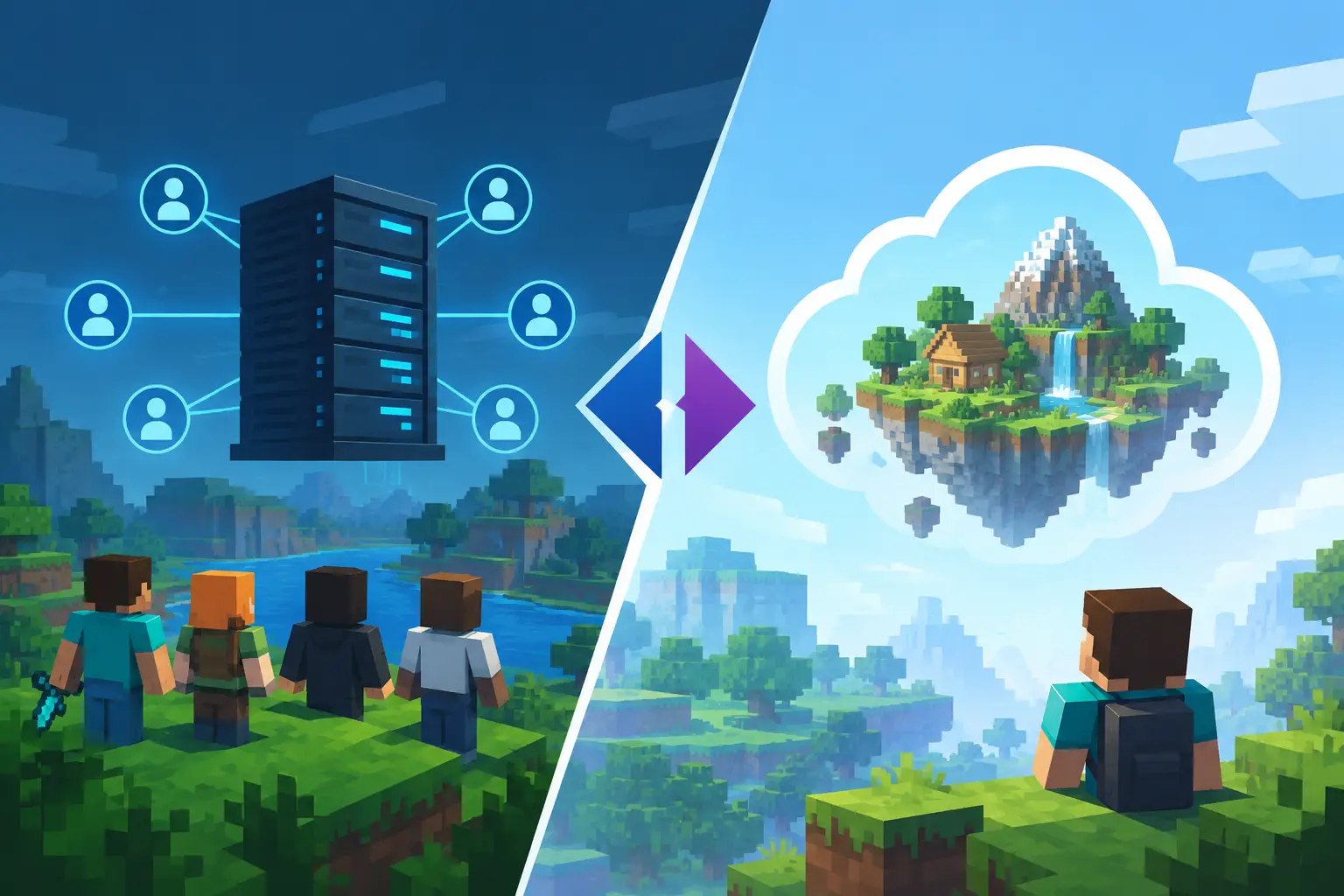
A Realm is great until your friend asks for proximity chat, a quality-of-life datapack, or a world download before a big update. That is where the SMP versus Realms decision stops being about convenience and starts being about how you want to play Minecraft.
Both options can host a private world for friends. The real difference is ownership and flexibility. Realms is Mojang's managed multiplayer service: fast to start, intentionally simple, and limited by design. An SMP, usually hosted on a dedicated Minecraft server, gives you the controls to shape the world around your group instead of asking your group to fit the platform.
SMP versus Realms: the quick answer
Choose Realms if you want to invite a small group into a mostly vanilla world with almost no setup. It is built for players who want to press a few buttons, share an invite, and get mining.
Choose an SMP server if your group wants plugins, mods, custom settings, more player capacity, a long-running world, or room to grow. A server takes a little more initial setup, but a good host removes most of the hard parts: install the server software, upload the world, set the whitelist, and play. Our guide to making a Minecraft server covers every step.
Neither option is automatically better. A two-week survival world for a few classmates has different needs from a community that expects weekly events, a Discord economy, and 30 players online on Friday night.
What Realms does well
Realms earns its popularity because it removes friction. You do not need to pick a host, configure Java, open ports, tune JVM flags, or worry about the server process staying online. Mojang handles the core infrastructure, and players join through a simple invite system.
For a small Bedrock group, that simplicity is especially useful. Bedrock Realms supports cross-platform play across console, mobile, and PC, which makes it an easy choice when everyone owns Minecraft on different devices — though a Bedrock server can do the same with more control. Java Realms also works well for a tight group that plans to stay close to vanilla.
Realms includes backups and world downloads, so it is not a reckless choice for a casual private world. It also offers official Marketplace content on Bedrock, making it easy to rotate through maps or add-on packs without managing files yourself.
The trade-off is that Realms is designed to be predictable, not customisable. You get the experience Mojang provides, within the boundaries Mojang sets.
Where Realms starts to feel restrictive
The first limitation is player capacity. Realms is intended for small groups: a Java Realm allows the owner plus up to 10 simultaneous players. That works until your friend group becomes a community, or your event night has more people than the Realm can admit.
The bigger limitation for Java players is software choice. You cannot turn a Java Realm into a Paper, Purpur, Forge, Fabric, or NeoForge server. That means no plugin stack for claims, moderation, shops, Discord integration, or performance tuning. You also cannot build a modpack server around the mods your group actually wants.
Datapacks can provide some customisation in Java Realms, but they are not a replacement for plugins or mods. A datapack can adjust recipes or add lightweight mechanics. It cannot deliver the control of plugins such as CoreProtect, LuckPerms, or a proper claims system.
You also have fewer performance levers. If the world starts stuttering from heavy farms, large redstone builds, or constant exploration, you cannot adjust view distance, simulation distance, server software, or optimisation settings the way you can on your own server. On a self-managed SMP, those settings are part of your toolkit.
Why an SMP gives you more control
An SMP is not one fixed product. It is a survival multiplayer server built around your rules. You decide whether that means pure vanilla, vanilla-plus Paper, a Fabric performance setup, or a full Forge modpack with tech, magic, and new dimensions.
That control matters most when the server has a personality. A friends-only world may need nothing beyond a whitelist and regular backups. A public community may need anti-grief tools, ranks, homes, player shops, events, and detailed moderation logs. Those are normal server needs, not edge cases.
With an SMP host, you also control the technical foundation. Paper and Purpur are popular for plugin-based servers because they provide practical performance tools and a deep plugin ecosystem — see our comparison of Paper, Purpur and Vanilla. Fabric is often a smart fit for lightweight modded or performance-focused builds. Forge remains a common choice for larger modpacks with broad mod compatibility; Forge vs Fabric helps you pick.
A proper host also gives you access to files, logs, and the server console. When something breaks, that visibility is the difference between guessing and fixing the actual problem. You can read a crash report, remove a conflicting mod, restore a backup, or roll back a bad config change without waiting for a platform limitation to disappear.
Performance: hardware matters more as the world grows
A small vanilla world does not need much power. But Minecraft server performance is sensitive to single-core CPU speed, especially when one busy tick has to process mobs, hoppers, redstone, chunk generation, and player activity at once. More RAM alone will not fix a server that is falling behind on TPS.
This is another practical difference in SMP versus Realms. With Realms, the hardware and performance profile are outside your control. With a quality server host, you can choose a plan with enough RAM for your modpack and strong Ryzen or EPYC CPU resources for the workload that affects tick speed.
Fast NVMe Gen4 storage also helps with world loading, backups, and chunk-heavy exploration. It will not magically solve an overloaded server, but it removes a common bottleneck when players scatter in different directions and generate new terrain. DDoS protection is just as relevant for public or semi-public servers, where a random player should not be able to take game night offline.
The goal is not to throw specs at every problem. It is to have control when your server needs it. Start with a sensible plan, monitor TPS and memory use, then scale before lag becomes the thing everyone remembers about your world.
The real cost comparison
Realms has a predictable subscription price and almost no admin overhead. For a small group that only wants vanilla survival, that can be excellent value. You are paying for convenience, not for a customisable server environment.
An SMP can cost more or less depending on the host, server size, modpack, and resource needs. A basic private vanilla server may be close to the cost of a Realm, while a large modded network will need substantially more RAM, CPU, and storage. The question is not only the monthly price. It is what the subscription lets you do.
If a Realm keeps your group happy, paying more for an SMP is unnecessary. If you are already working around player limits, wishing for plugins, or worrying about the next update breaking your workflow, the lower-friction option may no longer be the cheaper one in practice.
Moving from Realms to an SMP
A Realm does not have to be permanent. You can download the world and upload it to an SMP host, then continue with the same builds, inventories, and terrain. Before moving, make a local copy of the world and confirm that every player is using the same Minecraft version as the new server.
In Realms, open the world settings, go to the backups section and download the latest backup — it appears as a single-player world. Zip that world folder, stop the new server, and upload it in place of the default world folder. Start the server on the same version the Realm was running, and only then think about plugins or mods.
For a Java world, decide whether you want to stay vanilla or switch to Paper, Purpur, Fabric, or Forge. Switching server software is usually straightforward for a vanilla world, but adding mods or plugins should be done carefully. Test major changes on a copy first, especially if the world matters to your group.
Set a whitelist before sharing the new IP, enable automatic backups, and keep one clean backup from before the move. If you are moving to Elysium, the point is not to become a part-time systems administrator. You get the control of a real Minecraft server while the hosting basics, storage, protection, and deployment are already handled.
Which one should you choose?
Realms is the right answer when your priority is a small, official, low-maintenance vanilla experience. It is simple for a reason, and that simplicity is valuable.
An SMP is the right answer when the world is becoming more than a casual hangout. The moment you need plugins, mods, better moderation, more players, performance settings, or a server that can evolve with the community, a hosted SMP gives you room to build without rebuilding everything later.
Pick the setup that matches the next six months of your server, not just tonight's plan. Your world is easier to protect, tune, and grow when the platform has space for the ideas your players will bring to it.
Elysium runs SMP servers on Ryzen and EPYC with NVMe Gen4, DDoS protection, automatic backups, and a Pterodactyl panel where Paper, Fabric, or Forge install in one click. Start from hosting for friends, pick a plan on the order page, or ask us to move your world over from another host.